 Talkmere
Save your AI chats as Markdown, PDF or Word
Talkmere is a small browser extension for ChatGPT, Claude, Gemini and Grok. One click turns the conversation you have open into a clean file – with code blocks, tables, lists and math kept intact. It runs entirely in your browser: no account, no server, no tracking.
Free: Markdown, HTML, JSON · Pro: PDF, Word, images, bulk · Chrome, Edge, Firefox
What it does
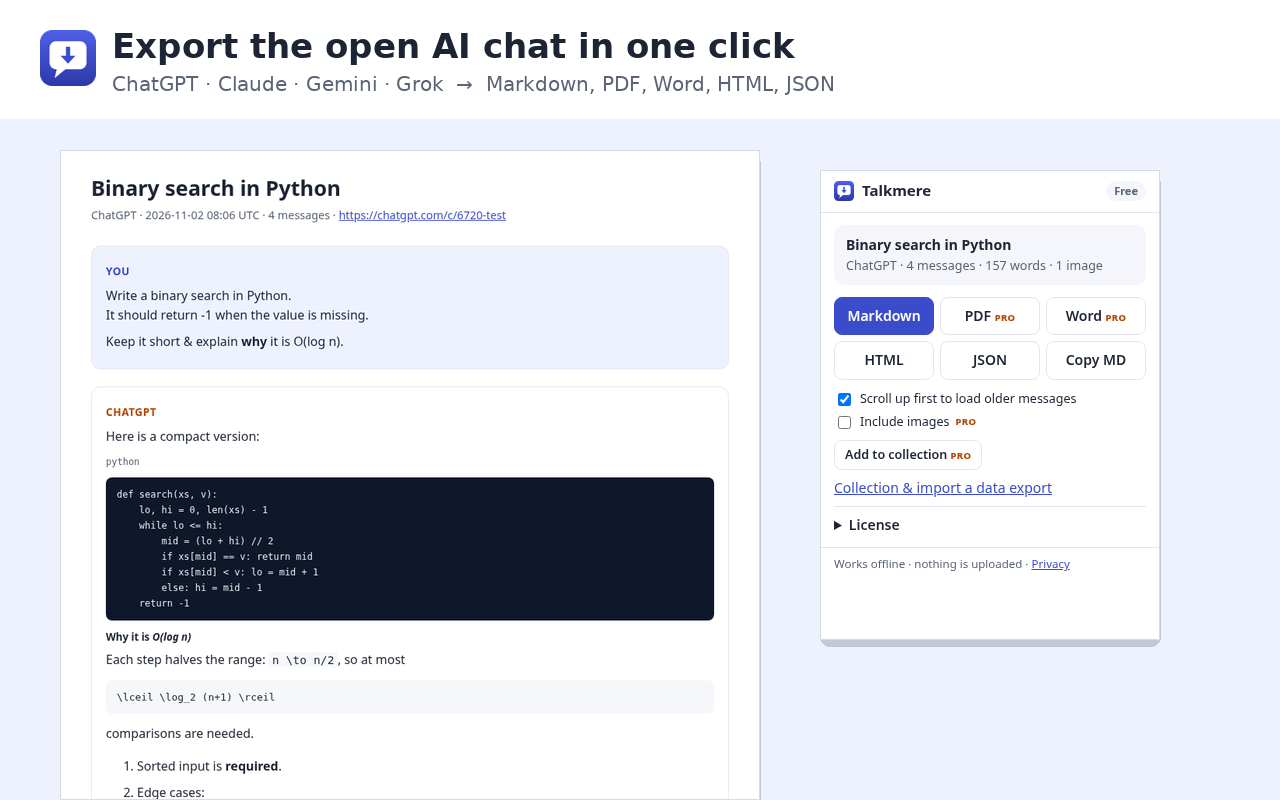
One click, five formats
Markdown, HTML and JSON are free. PDF and Word (DOCX) come with Pro.
Keeps the structure
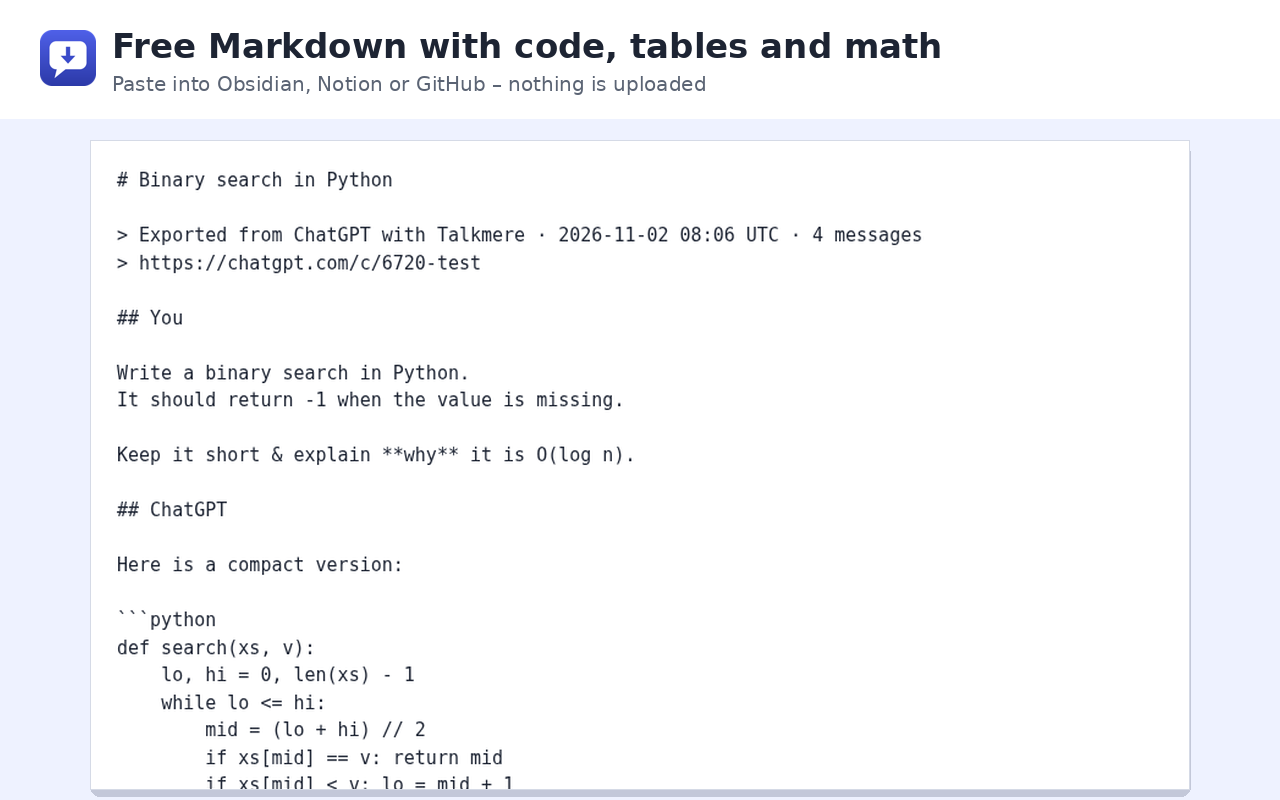
Code blocks keep their language, tables stay tables, nested lists stay nested, and math is kept as LaTeX.
Nothing leaves your device
The file is built inside your browser. Talkmere has no server and collects no data – see the privacy policy.
Minimal permissions
It can only read the four chat sites, and only when you click its button. No “read all websites” permission.
Whole history at once
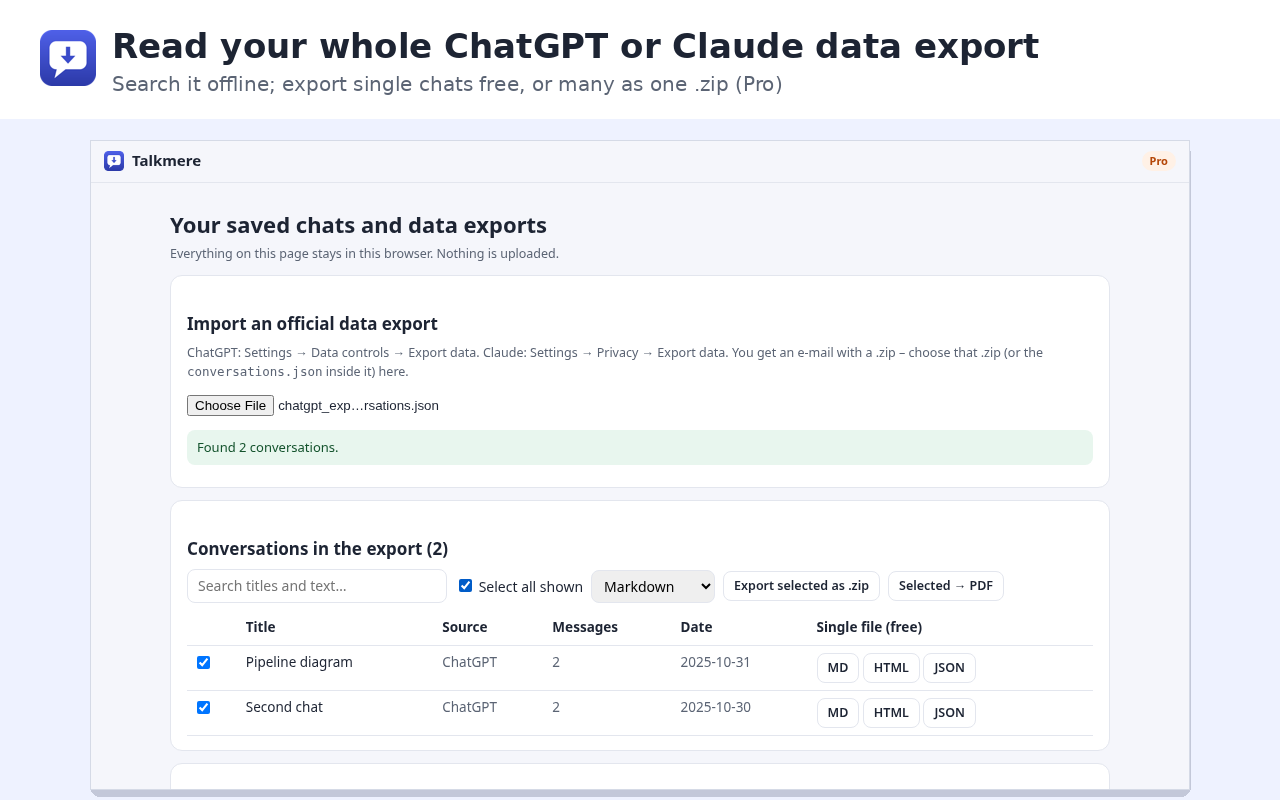
Import the official data export from ChatGPT or Claude and save hundreds of chats as one .zip (Pro).
Built to survive redesigns
Each site has several ways to find the messages; if one breaks after a site update, the next one takes over.
How it works
- Open a conversation on chatgpt.com, claude.ai, gemini.google.com or grok.com.
- Click the Talkmere icon in the toolbar.
- Pick a format. The file is created on your computer and saved to your Downloads folder.
Have years of chats? Request the official data export from ChatGPT or Claude and open it on Talkmere's collection page to search and convert everything – still offline.
Free and Pro
| Free | Pro | |
|---|---|---|
| Export the open chat as Markdown, HTML, JSON | ✓ | ✓ |
| Copy the whole chat as Markdown | ✓ | ✓ |
| Works on ChatGPT, Claude, Gemini, Grok | ✓ | ✓ |
| Read ChatGPT / Claude data exports, save single chats | ✓ | ✓ |
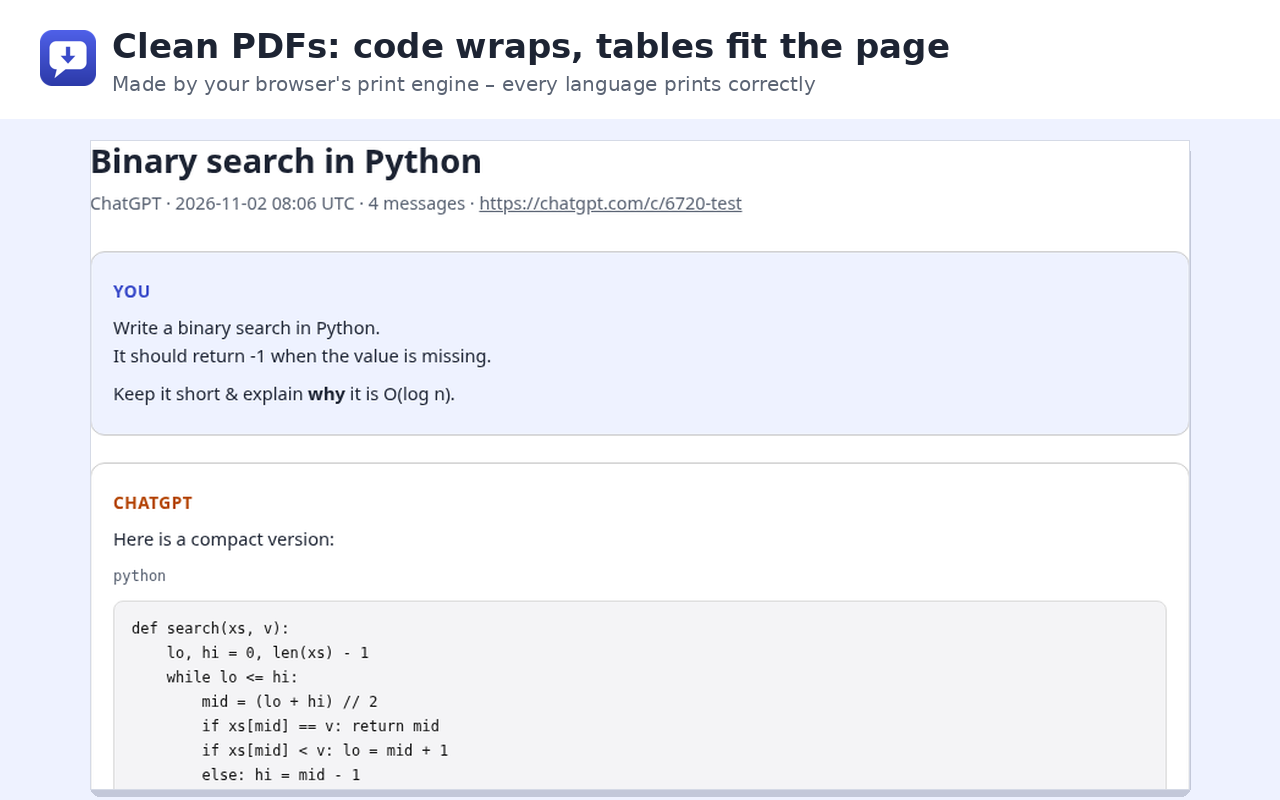
| PDF (clean print view) | – | ✓ |
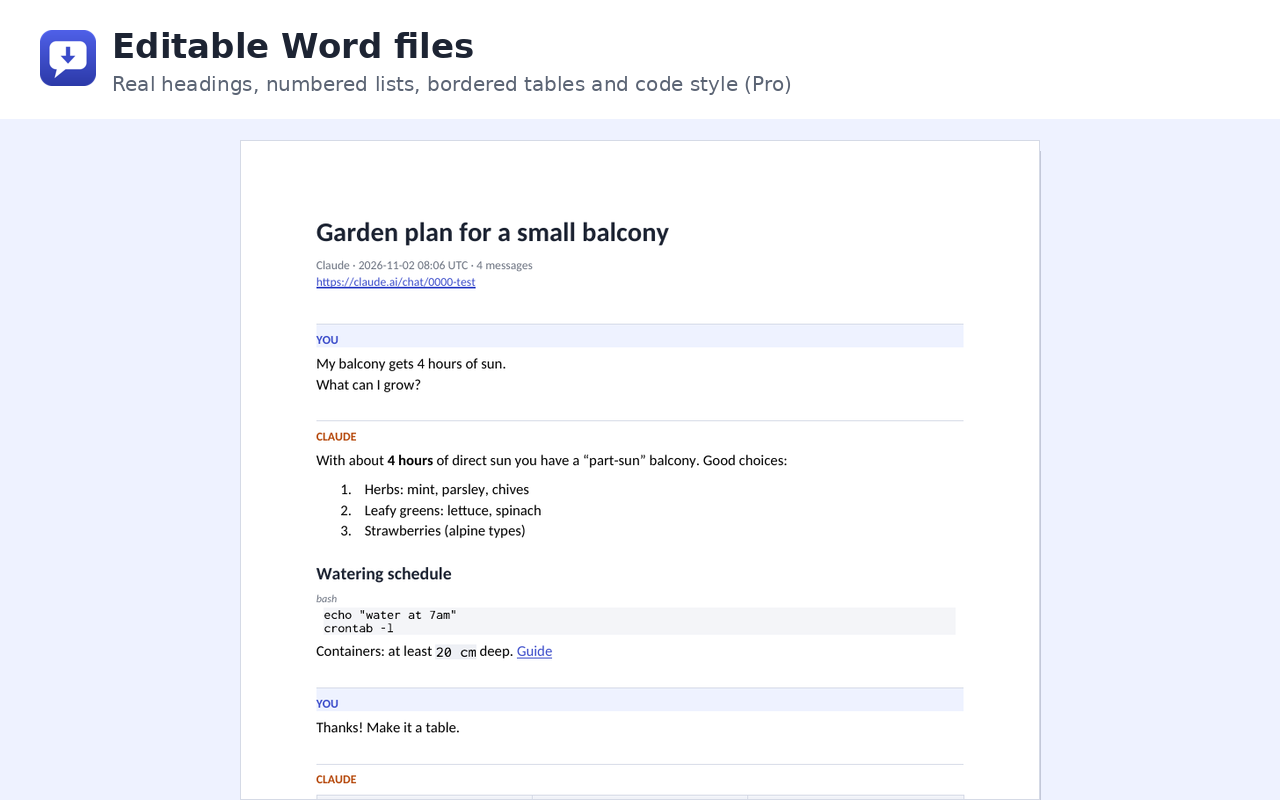
| Word (DOCX) | – | ✓ |
| Embed images | – | ✓ |
| Collection of saved chats | – | ✓ |
| Bulk export many chats as one .zip / one PDF | – | ✓ |
Pro is a one-time payment: $9 for one year or $19 lifetime. See pricing.
Screens
Questions
Is Talkmere free?
Yes. Exporting the open chat as Markdown, HTML or JSON, and copying it as Markdown, is free with no limit. Pro adds PDF, Word, embedded images, a local collection and bulk export of whole data exports.
Does Talkmere upload my conversations?
No. The extension reads the page you are looking at and creates the file in your browser. There is no Talkmere server, no account and no analytics. With “Include images” on, it re-reads the images that the chat page already shows, from the chat site's own servers.
Which sites are supported?
chatgpt.com, claude.ai, gemini.google.com and grok.com, in Chrome, Edge and Firefox (desktop). For anything else, select text on the page and export the selection.
Is Talkmere made by OpenAI, Anthropic, Google or xAI?
No. Talkmere is an independent tool and is not affiliated with, endorsed or sponsored by any of them. The names are used only to say which sites it works with.
What happens when a chat site changes its layout?
Talkmere tries several ways to find the messages. If the popup says it used the fallback reader, check the file – and tell us, so we can update it.
Guides
Export a ChatGPT conversation to PDF
How to save a ChatGPT chat as a PDF: the browser's print dialog, the official data export, or a one-click export that keeps code blocks and tables readable.
Save a ChatGPT chat as Markdown
Export a ChatGPT conversation to a Markdown file for Obsidian, Notion, GitHub or your notes – free, offline, with fenced code blocks, tables and LaTeX.
Export a ChatGPT chat to Word (DOCX)
Turn a ChatGPT conversation into an editable Word document: real headings, numbered lists, tables and code formatting – opens in Word, Google Docs, LibreOffice and Pages.
Open and read the ChatGPT data export
You requested your ChatGPT data and got a .zip with conversations.json. Here is what is inside and how to turn it into readable Markdown, Word or PDF files – offline.
Save a Claude chat as a file
Save a conversation from claude.ai as a file: copy, print, the full data export, or a one-click export to Markdown, PDF or DOCX that keeps code blocks and tables.
Export all Claude conversations
Request the Claude data export, understand conversations.json, and convert every conversation into Markdown, Word or PDF files offline.
Export a Gemini chat
Ways to save a Gemini conversation: Export to Docs for one response, Google Takeout for your activity, or the whole chat as Markdown, PDF or Word in one click.
Export a Grok conversation
Save a Grok chat from grok.com as Markdown, PDF or Word, or download all your Grok data from account settings – what each option gives you.
Print an AI chat without cut-off text
Why printing a ChatGPT, Claude or Gemini conversation loses text on the right, prints only part of the chat or adds blank pages – and how to get a clean print or PDF.
Share an AI chat without a public link
Share links from ChatGPT, Claude and Grok are public to anyone who has them. How to send a conversation to one person as a file instead – and what to remove first.
Save AI chats to Obsidian or Notion
Keep ChatGPT, Claude, Gemini and Grok conversations in Obsidian or Notion: export clean Markdown, keep code and tables, and file whole data exports at once.